How to use QR Code.
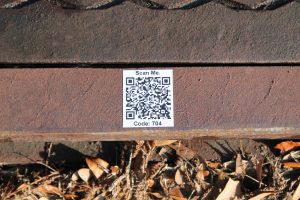
1. Locate the nearest storm drain with a white & black “Scan Me.” QR code.
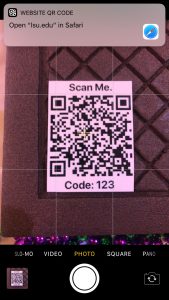
2. If you own an Apple mobile device with iOS 11 or higher, open the Camera App and be sure the screen shows a full view of the QR code.
3. If you own any other smart device or your iPhone does not have iOS 11, please download a Barcode Scanning App such as:
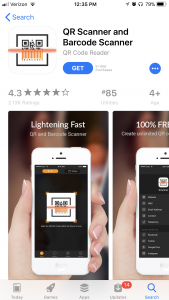
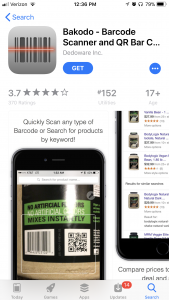
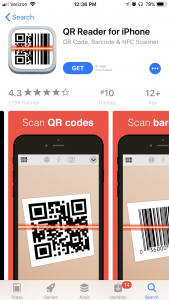
QR Scanner and Barcode Scanner, Bakodo – Barcode Scanner and QR Bar Code Scanner, QR Reader for iPhone
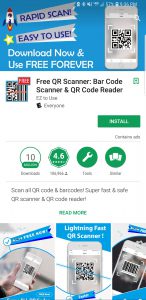
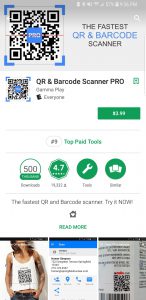
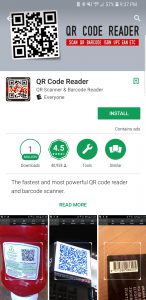
Free QR Scanner: Bar Code Scanner & QR Code Reader, QR and Barcode Scanner Pro, QR Code Reader
4. Once scanned, the QR code will load another page of this website with a form to fill out.
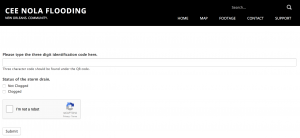
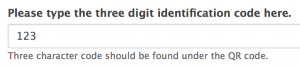
5. Type the three digit identification code found on the QR code into the “Code:” box of the webpage.
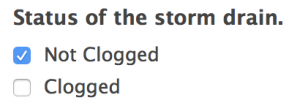
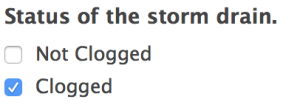
6. Click the checkbox for “Clogged” or “Not Clogged”.
7. Click the checkbox beside “I am not a robot.”
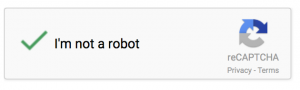
8. Click “Submit”.
Done!